Block Coding
Block Coding and Scratch
Block Coding is a visual programming tool that uses blocks or pictures instead of regular text or complex coding artifacts. Each block represents a command or function that joins blocks in sequences of instructions. It makes coding simpler by focusing on basic ideas instead of complicated details.
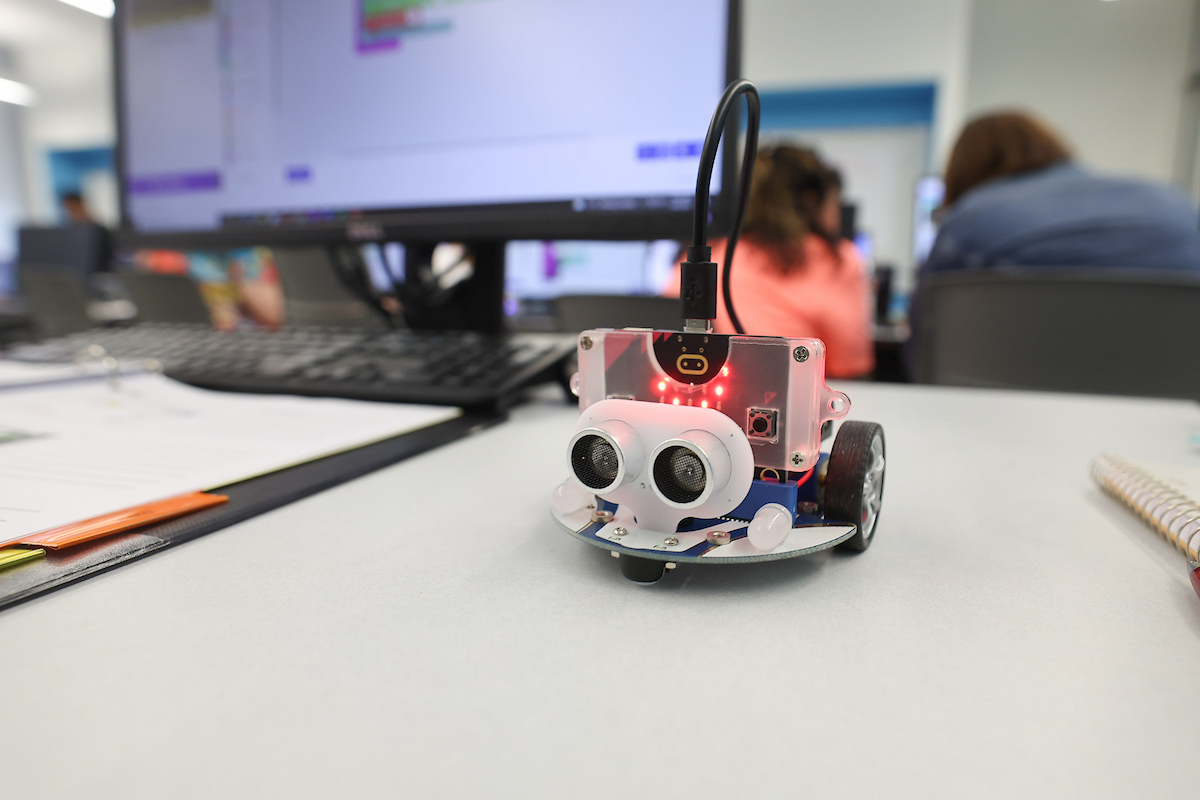
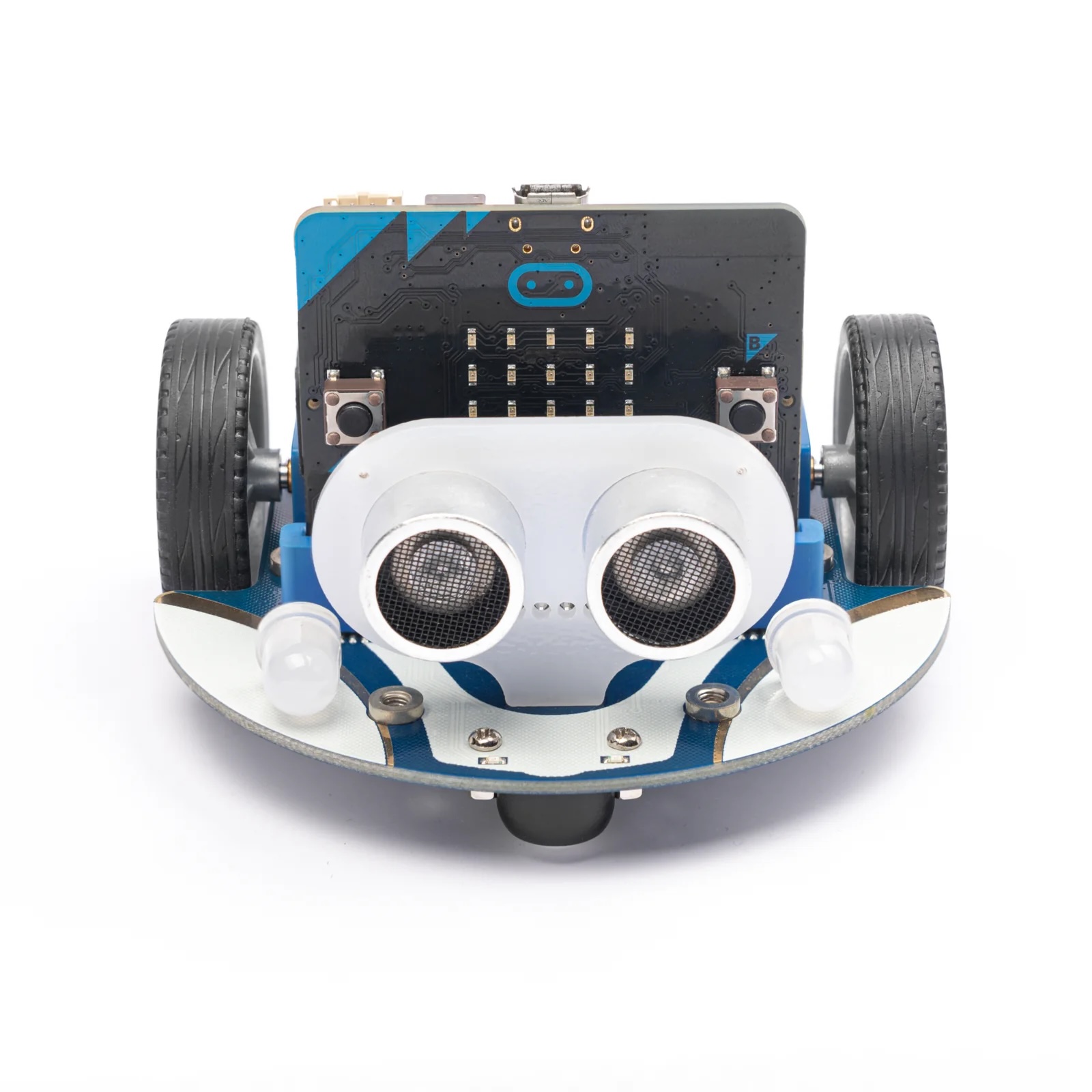
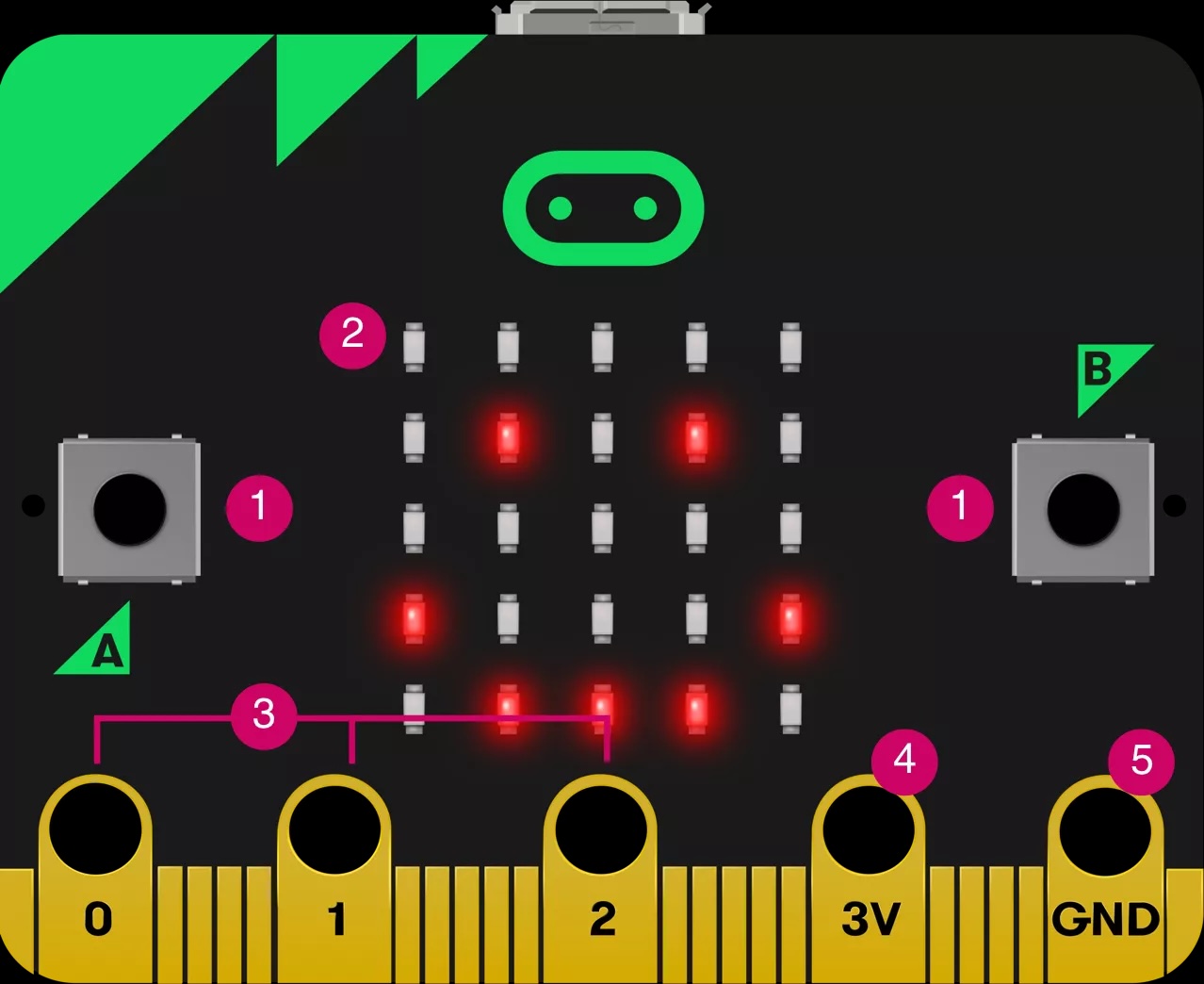
Scratch is a block coding interface that lets students create digital stories, games, and animations. It promotes computational thinking and problem-solving skills, creative teaching and learning, self-expression and collaboration, and equity in computing. The concepts learned in Scratch also apply to other lessons, such as Micro:Bit. Visit the Scratch Website to sign up and start coding!
Activity 1: Programming Language in Scratch: A Tool For Storytelling Presentation introduces coding with Scratch and helps navigate the interface. It teaches programming motion, looks, sounds, events, controls, operations, variables, blocks, and sensing. The presentation also mentions control structures, conditionals, loops, and some tips on integrating Scratch in the classroom.
Activity 2: Scratch Presentation by Brandy Retasket helps set up a Scratch Education Account and implement Scratch in the classroom. Also included are ideas for Scratch activities, inspirational resources, Scratch tutorials, and examples of student work.
- Group Activity Instructions
- Scratch Scavenger Hunt is a great way to introduce students to Scratch.
- Introduction to Scratch Lesson Plan
- Sample Rubric to aid in grading Scratch Projects.
Activity 3: Coordinate Plane and Scratch Lesson helps teachers model canvas coordinates and create event scripts along X and Y axes in Scratch. Teachers can also model drawing lines that represent the X and Y axes and calculating the distance between two points.
Activity 4: Block Coding Implementation (by Abbi Coy and Carissa Willey from Purdy) shows examples of Scratch and Micro:Bit in middle school classrooms.
Activity 5: Pinnguaq Video Tutorials on Scratch.
Activity 6: CS First has several coding lessons on many topics. These range in difficulty, so that teachers can choose activities appropriate for their students' skill levels. The website also provides tips and videos about joining a coding community and supporting students.
Here are three 45-90 minute Sample Scratch Lessons:
Move to advanced coding concepts
Introduction to Alice Presentation provides an introduction to Alice, a block-based drag-and-drop programming software used to create animations, build interactive narratives, or program simple games. The presentation helps teachers build a new world, add and place objects, create an event, and add variables or parameters. It also mentions conditionals, functions, methods, and loops.
Advanced Alice Presentation provides detailed instructions for creating a place in Alice and offers several ideas and strategies for implementing Alice in your classroom. The activities in this presentation require skills learned in the Introduction to Alice.
Contact Dr. Razib Iqbal at RIqbal@MissouriState.edu for questions about Block Coding.

Bulbs, Batteries, and Wires
Bulbs, Batteries, and Wires Module
The CODERS team has designed several lessons on bulbs, batteries, and wires. By teaching students how to design and operate working electrical circuits, these lessons help teachers introduce students to circuitry. Students who participate in these lessons learn about the flow of electricity necessary for simple and complex electronics. This shows students the level of complexity necessary for the most basic electronics. It also teaches them one way that electronics can process information.
Activity 1: Batteries and Bulbs Presentation
-
Explains the terminology used when referring to an electric circuit, batteries, and wires/bulbs via a water analogy.
-
Covers how electricity moves through a circuit and how it can be measured.
-
Details how to draw a shorthand circuit and instructions for students to create their own circuit.
To connect the lesson to coding, students can use Scratch and create commands to make the lightbulb light up.
Activity 2: Bulbs, Batteries & Wires Lesson Plan 1
-
Explains the components of a circuit i.e. the battery, wires, bulb, and the electricity/chargers.
-
Students will create a circuit and share how electricity is moving within the circuit.
Activity 3: Bulbs, Batteries & Wires Lesson Guide for Teachers Part 1
-
Explains the concepts for Lesson Plan 1.
-
Provides a suggested guide to navigating the discussion.
Activity 4: Bulbs, Batteries & Wires Lesson Plan 2
-
Discusses the flow of electric charges and introduces the diagram symbols used to draw a circuit.
-
Uses a circuit diagram to explain the similarities and differences in series and parallel connections.
-
Students construct the circuits themselves and write observations about varying lightbulb’s brightness and the connections those bulbs have.
Activity 5: Bulbs, Batteries & Wires Lesson Guide for Teachers Part 2
-
Discusses the different types of connections, series and parallel, that can be made in circuits and how that can aid our understanding of what is going on inside.
Activity 6: Bulbs, Batteries & Wires Lesson Plan 3
-
Students use the circuit design created in Lesson 2 to calculate the current flowing through the circuit and the resistance of the lightbulb before predicting the bulb brightness in both series and parallel circuits using their understanding of Ohm’s Law.
Activity 7: Water Analogy and Circuit Observations Worksheets
-
Students use the water analogy worksheet to compare the flow of water to the flow of electricity.
-
Students use the observations worksheet to help jump start their knowledge of circuitry.
Career Connections
STEM, Computer Science, and Career Coding Modules
Career Connections is one of six modules developed through the Computer Science Opportunities Development & Education in Rural School’s U.S. Department of Education grant. These lessons are developed for grades 3-8. Choose one of the lessons below or share with us what you developed. Complete the lesson reflection. And, don’t forget to share your lessons with us!
Activity 1: Four-Part Career Exploration by Abbi Coy at Purdy Middle School.
-
This lesson includes a PowerPoint, links to videos and a worksheet.
-
Introduce students to a variety of computer science and coding careers.
-
Includes a worksheet for students to complete about necessary skills in the careers. Students create a “Help Wanted” poster for the career and skills they researched.
-
Students present their posters to the class.
Activity 2: Videos (for bell ringers and other lesson plans)
We will update videos monthly.
-
Jerome Morrison, design technologist at Meow Wolf.
-
Danelle Cline, software engineer at MBARI.
-
Nikesha Davis, aerospace engineer at NASA.
-
Aveena Savage, singer, songwriter, music producer.
The IF/THEN® Collection has posters, videos, and lessons that highlight authentic images of women in surprising STEM careers.
-
Lace Padilla, neuroscientist.
-
Daniele Monahan, physicist.
-
Natalie Evans-Harris, data scientist.
Activity 3: Match Your Interests
Have students complete career interest quizzes.
-
Career Girls Career Quiz targets girls. It starts with a one-question quiz then chooses career videos based on the answers.
-
The O*Net Interest Profiler starts with a sixty-question quiz that helps students discover career interests. It takes fifteen to twenty minutes. It is designed for high school students but can be used with upper middle school students.
Computational Thinking
Computational Thinking Module
Computational Thinking (CT) is a problem-solving skill that helps students break apart problems so they can better understand the process of how to solve the problem. This process involves: 1) decomposing the problem into smaller, more understandable parts; 2) observing patterns or connections between the smaller parts of the problem; 3) determining what steps or computations (algorithms) need to be calculated to solve the problem; and 4) solving the problem but also able to justify their reasoning for how they came to their answer.
Please complete a reflection after teaching the lesson(s). The first two reflections are due October 4. The CT links provide PowerPoints and standards-aligned lesson plans to introduce CT in grades 3-8.
If you are new to CODERS curriculum, complete a reflection, give us feedback on the lessons, and share your modifications. We would love to hear how the lesson(s) went. Lesson reflections are required for 2024 CODERS Program participants.
Activity 1: Computational Thinking Overview Presentation developed by Dr. Razib Iqbal, Programming Logics and States.
Activity 2: Computational Thinking: Problem Solving, Debugging, and Optimizing Code
-
Students will learn to identify a problem, brainstorm solutions, and solve the problem.
-
Students will learn to develop an outline or flow chart into code, and then learn how to debug and optimize the code.
Activity 3: Interlinking Cubes and 3D figures to explore Logical Thinking Using Perspective.
-
Interlinking Cubes/3D Figures to Teaching Logical Thinking and Perspective PowerPoint
-
Printable Handout for the Interlinking Cubes Lesson
Activity 4: Written Programming or Written Programming?
-
The video "Why do Computers Use 1s and 0s?" pairs well with the Written Programming Lesson Plan.
Activity 5: Fibonacci Numbers Introductory Lesson
-
Challenges students to analyze, solve problems about, and produce real life scenarios involving Fibonacci numbers.
-
Encourages students to code the scenarios they create.
-
Features extra resources for learning about and using Fibonacci numbers.
Activity 6: Student Standards and Teacher Resources from ISTE (International Society for Technology in Education)
-
This blog post explains the four elements of computational thinking: decomposition, pattern recognition, abstraction, and algorithm design.
-
These student learning standards can help you choose learning objectives for each CT lesson.
-
This e-book provides many teacher resources for teaching CT, including suggestions for lessons focused on each of the four elements of CT.
Please contact Dr. Diana Piccolo at DPiccolo@MissouriState.edu for questions about Computational Thinking.